
Send the linkScreenshots, GIFs & video
One link. All the context.
Share screenshots, GIFs, and recordings on a dedicated viewing page. Viewers can play videos, read transcripts, and join the conversation with comments and replies.
One link to share the whole picture. Keep captures organized, collect feedback, and bring your team into the conversation.
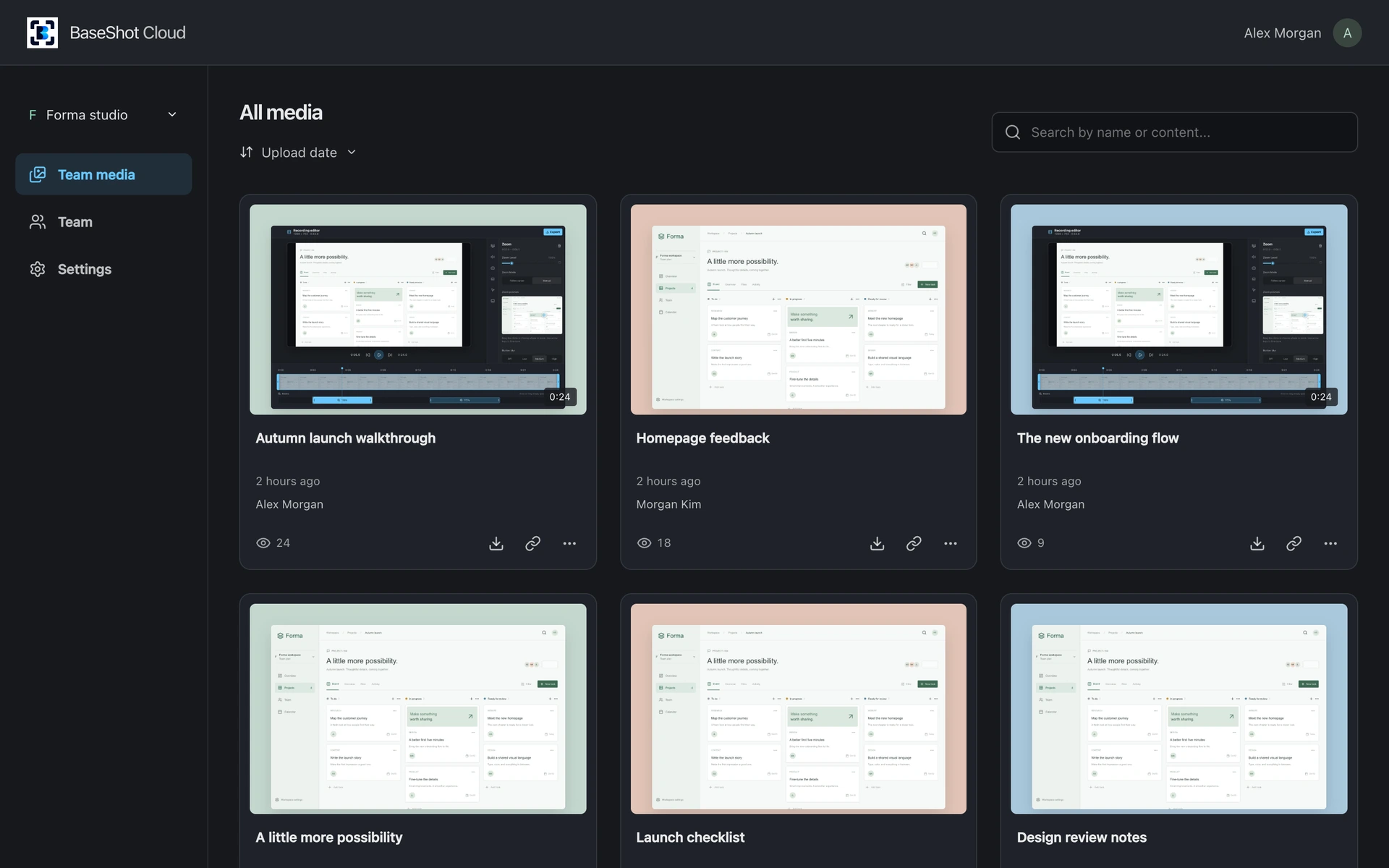
Give screenshots and recordings a home, then share the right context with the right people.
Share screenshots, GIFs, and recordings on a dedicated viewing page. Viewers can play videos, read transcripts, and join the conversation with comments and replies.
Search by name or what is in your captures, and sort by date, name, size, or views. Update a capture while keeping the same shared link.
Choose public, password-protected, team-only, or private links. Set comment permissions and automatic deletion, with shared defaults for your workspace.
Browse all your uploaded captures in one place.
Find captures by file name, text in screenshots, or words spoken in recordings.
Sort your media by upload date, name, view count, or file size in either direction.
Rename files, download originals, copy links, and delete captures you no longer need.
Update an uploaded capture from the desktop app while retaining its shared link and conversation.
See how often each capture is viewed.
Open screenshots and play recordings in the browser without installing the desktop app.
Read available recording captions, search the transcript, and jump to a specific moment.
Keep feedback beside the capture, with nested conversations and collapsible replies.
Let viewers comment with a public display name when your comment permissions allow it.
Choose notifications for comments, replies, and the first view of images or recordings.
Control whether the file name, download button, and header sign-in button appear.
Keep your own library and shared team libraries, and choose the desktop upload destination.
Invite teammates by email and manage owner, admin, and member permissions.
Choose anyone with the link, password protection, team-only access, or private viewing.
Allow everyone, restrict comments to the team, or turn comments off.
Set files to self-destruct after a chosen period, with workspace defaults and per-file settings.
Set shared access, comment, deletion, and appearance preferences for a consistent handoff.