
Polished demos on Windows.
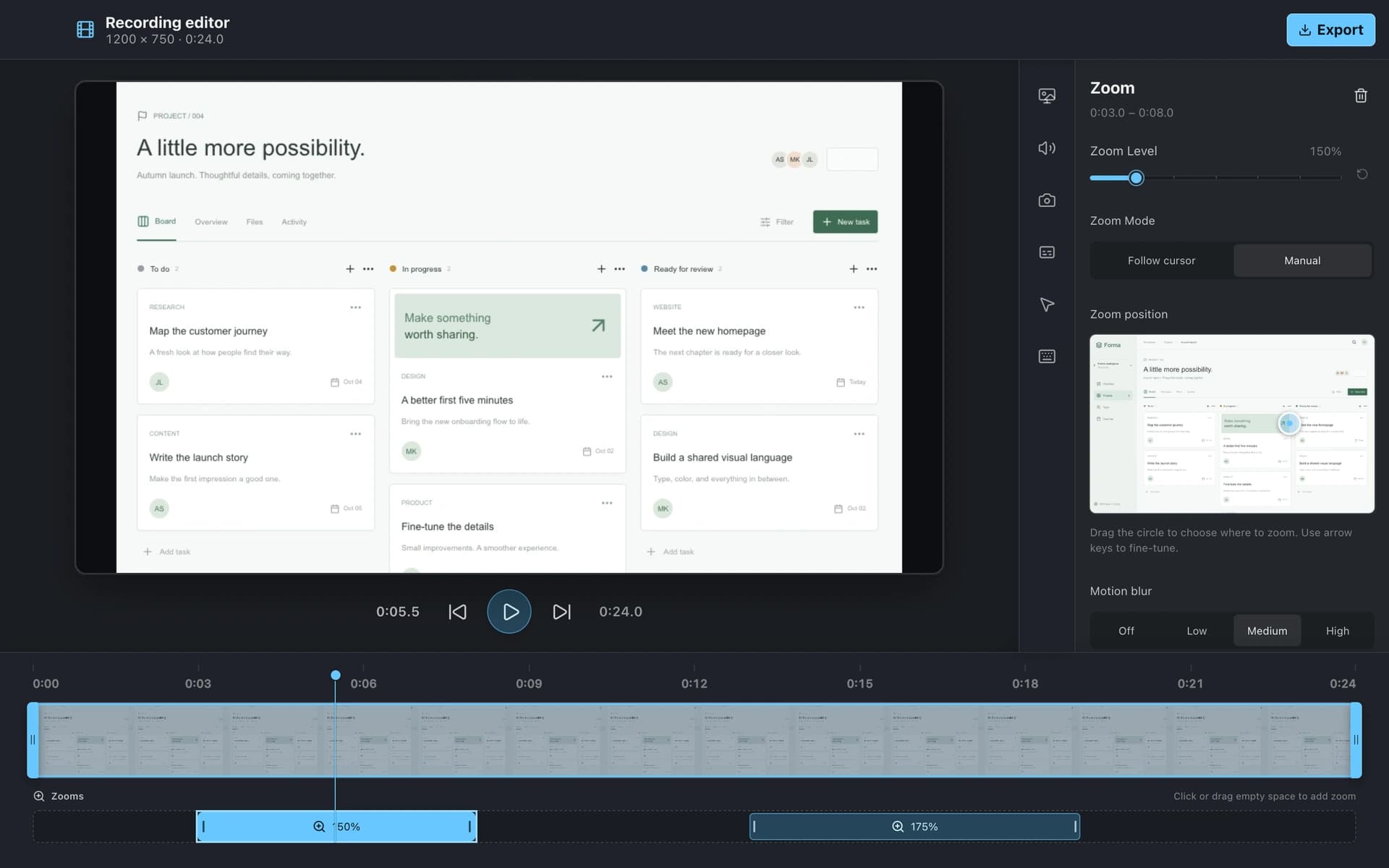
Automatic zoom, cursor effects, and keystroke overlays work on Windows as well as Mac, so the whole team can record product demos that look the same.
Screen Studio makes beautiful recordings, but it only runs on the Mac and is subscription-only. BaseShot gives you automatic zoom, smooth cursors, and captions on both Windows and Mac, plus a full screenshot toolkit, with a free desktop app.
Windows 10 (2004+) / 11 · x64
macOS 13.3+ · Apple silicon / Intel
| Feature | BaseShot | Screen Studio |
|---|---|---|
| Windows | ||
| Mac | ||
| Price | Free desktop app | $9 a month billed yearly, or $29 monthly |
| Screen recording with camera & audio | ||
| Automatic zoom on clicks | ||
| Cursor effects | ||
| Automatic captions | ||
| MP4 & GIF export up to 4K | ||
| Shareable links | ||
| Screenshots & annotation | ||
| Scrolling capture | ||
| Text capture (OCR) |
Automatic zoom, cursor effects, and keystroke overlays work on Windows as well as Mac, so the whole team can record product demos that look the same.
Recording, editing, captions, and MP4 or GIF export are free in the desktop app. BaseShot Cloud is optional, for share links and a shared library.
Capture, annotate, and redact screenshots with the same shortcuts and library as your recordings, instead of paying for a second tool.