Skip to content
Snagit alternative

A free Snagit alternative for Windows and Mac.

Snagit is a capable tool, but it is now subscription-only. BaseShot covers the everyday work, from scrolling screenshots and annotation to screen recordings with automatic zoom, and the desktop app is free.

Download for Windows

Windows 10 (2004+) / 11 · x64

macOS 13.3+ · Apple silicon / Intel
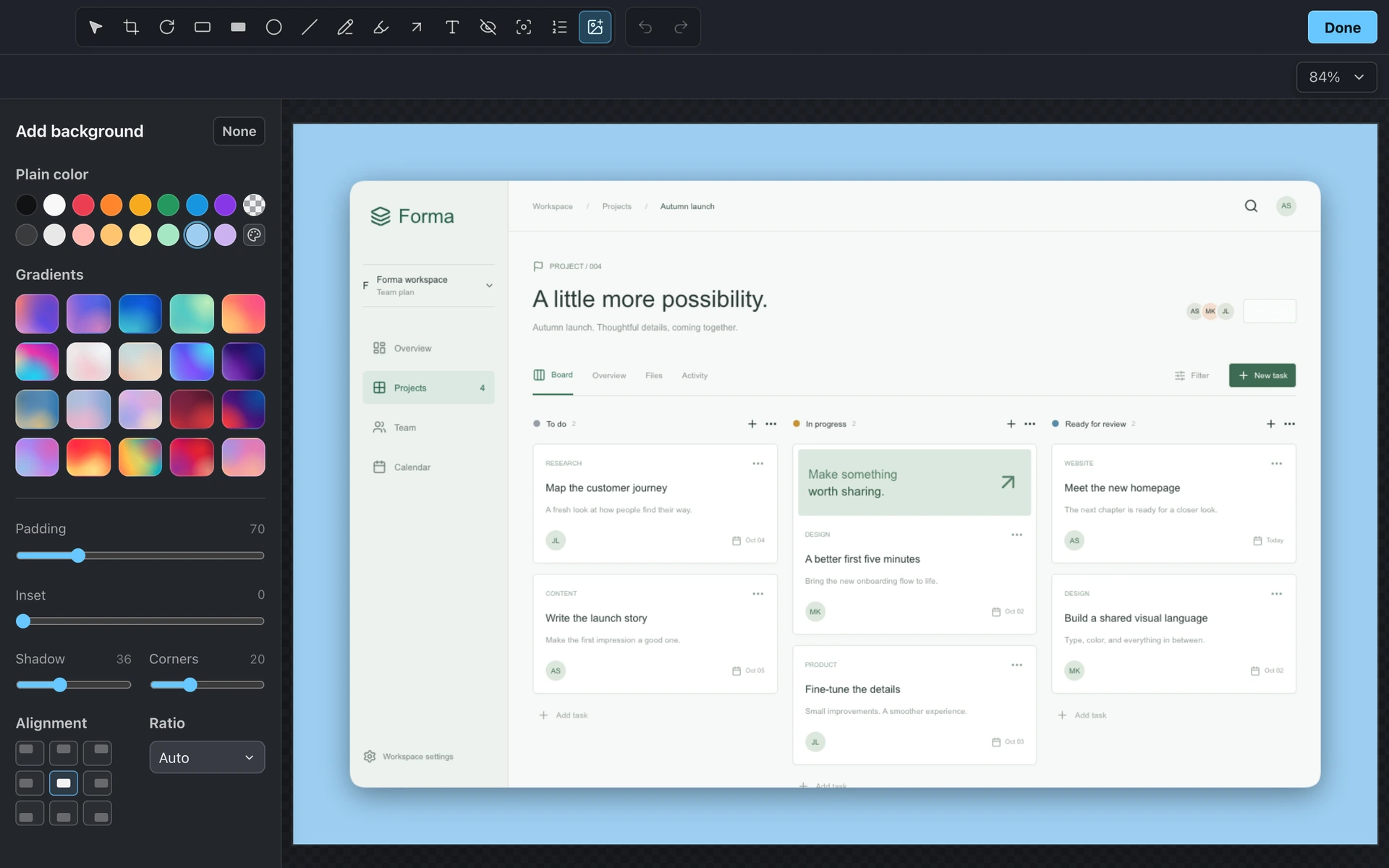
BaseShot screenshot editor with a project board and background controls
Side by side

BaseShot vs Snagit

FeatureBaseShotSnagit
Windows
Mac
PriceFree desktop app$39 a year per person
Area, window & full-screen capture
Scrolling capture
Annotation & redaction
Text capture (OCR)
Screen recording with camera & audio
Automatic zoom in recordings
Local automatic captions
Share links
Everything in BaseShot

All the tools, on Windows and Mac.

Screenshots

  • Capture an area, a window, or the full screen
  • Scrolling capture, vertical or horizontal
  • Copy text from anything on screen with OCR
  • Arrows, text, highlights, and step counters
  • Spotlight and redaction for sensitive details
  • Backgrounds, padding, shadows, and aspect ratios

Screen recording

  • Record a display, a window, or an area
  • Camera, microphone, and system audio
  • Automatic zoom on clicks, plus manual zooms
  • Cursor styling, click effects, and keystrokes
  • Noise reduction and captions made on your computer
  • Export MP4 or GIF up to 4K

BaseShot Cloud

  • Share any capture with one link
  • Comments and replies, including from guests
  • Public, password, team-only, or private links
  • Search inside screenshots and recordings
  • Update a capture and keep the same link
  • Shared team workspace with roles
Why people switch

What BaseShot does differently.

No subscription for the basics.

Capturing, annotating, recording, and exporting are free with no account and no watermarks. Pay only if you want cloud sharing.

Recordings that need less editing.

Automatic zoom follows your clicks, the cursor stays smooth, and captions are generated on your computer, so walkthroughs are ready faster.

Built to look good by default.

Add a background, padding, and shadow in a click, so screenshots look finished in docs, posts, and presentations.

Where Snagit still shines

  • It has templates for step-by-step guides and documentation.
  • It is a long-established tool with deep editing features.
  • Its subscription includes hosting through TechSmith Screencast.
Questions

Switching from
Snagit?