
One tool on every computer.
Teams with both Windows and Mac can use the same app, the same shortcuts, and the same shared library, instead of a different tool on each platform.
CleanShot X is one of the best screenshot apps on the Mac, but there is no Windows version. BaseShot gives you the same capture, annotate, and share workflow on both platforms, and the desktop app is free.
Windows 10 (2004+) / 11 · x64
macOS 13.3+ · Apple silicon / Intel
| Feature | BaseShot | CleanShot X |
|---|---|---|
| Windows | ||
| Mac | ||
| Desktop app price | Free | $35 one-time, 1 year of updates |
| Area, window & full-screen capture | ||
| Scrolling capture | ||
| Annotation & redaction | ||
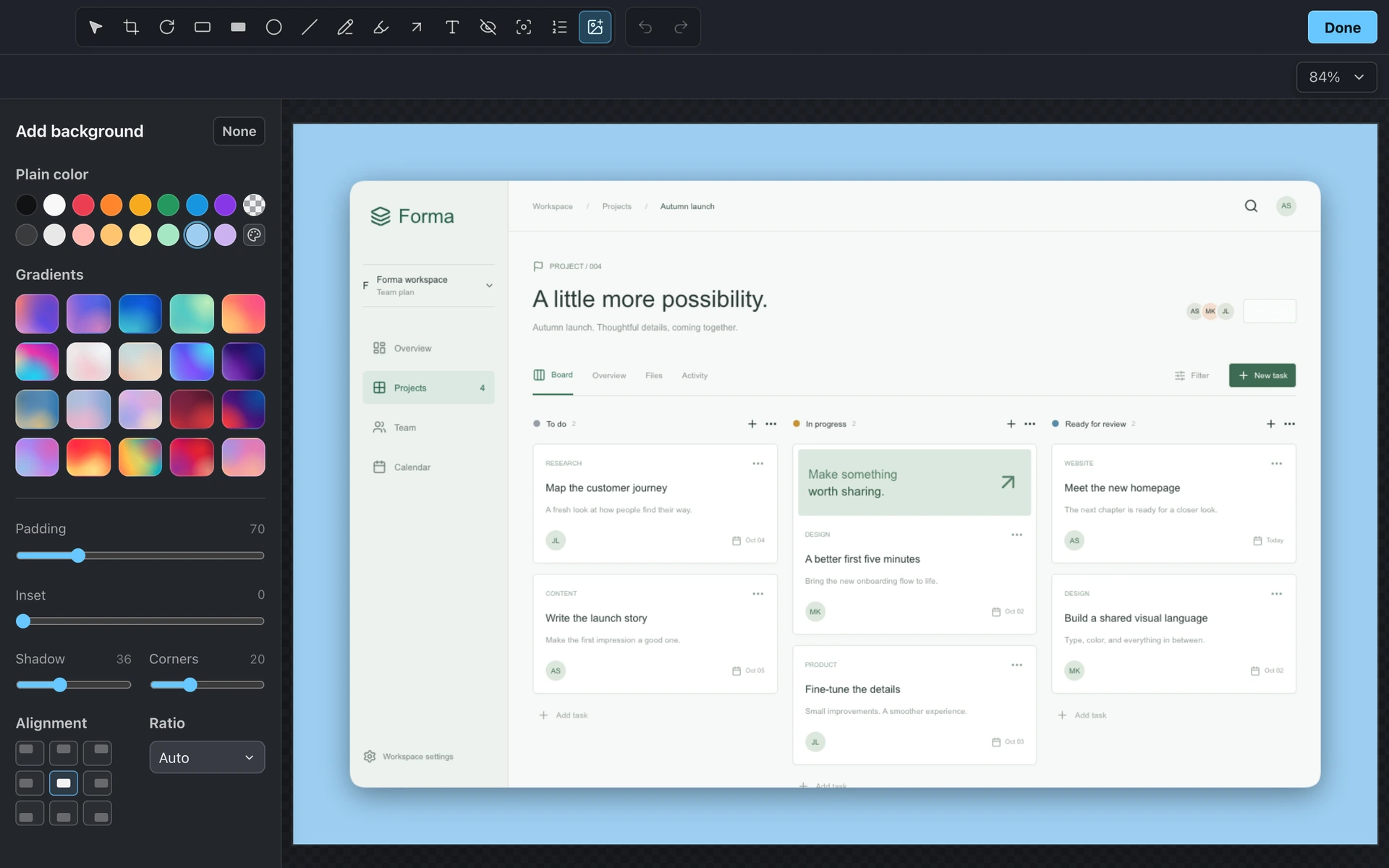
| Backgrounds, padding & shadows | ||
| Text capture (OCR) | ||
| Screen recording with camera & audio | ||
| Automatic zoom on clicks | ||
| Local automatic captions | ||
| Cloud sharing | BaseShot Cloud, $6 per person a month | CleanShot Pro, $10–12 per user a month |
Teams with both Windows and Mac can use the same app, the same shortcuts, and the same shared library, instead of a different tool on each platform.
Capturing, annotating, recording, and exporting are free with no account and no watermarks. Pay only if you want cloud sharing.
Automatic zoom, cursor effects, and captions generated on your computer work the same on Windows as on Mac, so every teammate can record walkthroughs that are ready to share.