Skip to content
Loom alternative

A Loom alternative for a third of the price.

Record your screen, share a link, and get feedback in comments, plus annotated screenshots in the same app. The BaseShot desktop app is free, and BaseShot Cloud is $6 per person a month.

Download for Windows

Windows 10 (2004+) / 11 · x64

macOS 13.3+ · Apple silicon / Intel
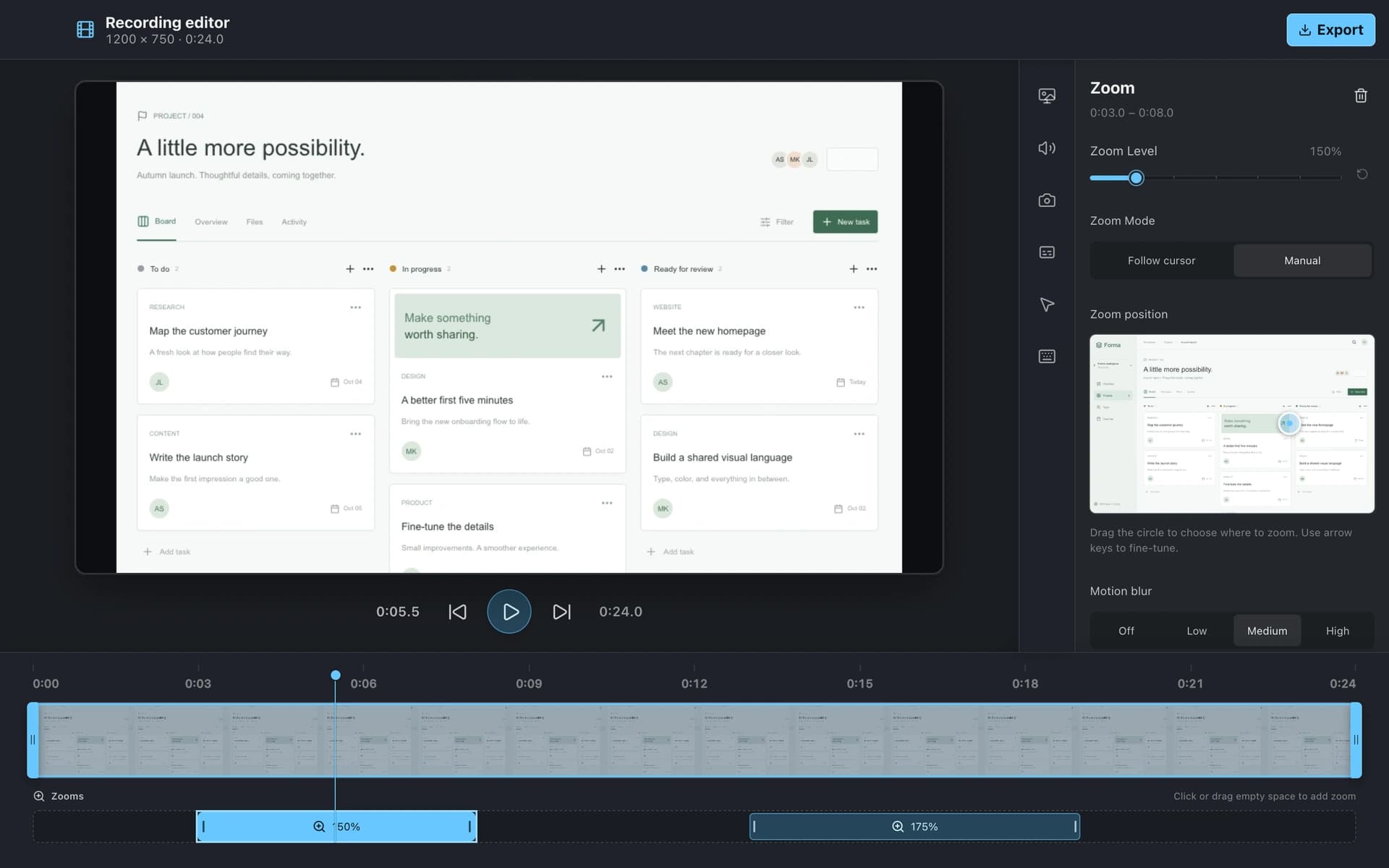
BaseShot recording editor showing a project walkthrough, timeline, and zoom controls
Side by side

BaseShot vs Loom

FeatureBaseShotLoom
Windows
Mac
Free versionUnlimited local recordings and screenshots25 videos, 5-minute recordings
Paid planBaseShot Cloud, $6 per person a monthBusiness, $18 per user a month
Screen recording with camera & audio
Share links with comments
Captions & transcripts
Screenshots
Scrolling capture
Automatic zoom on clicks
Everything in BaseShot

All the tools, on Windows and Mac.

Screenshots

  • Capture an area, a window, or the full screen
  • Scrolling capture, vertical or horizontal
  • Copy text from anything on screen with OCR
  • Arrows, text, highlights, and step counters
  • Spotlight and redaction for sensitive details
  • Backgrounds, padding, shadows, and aspect ratios

Screen recording

  • Record a display, a window, or an area
  • Camera, microphone, and system audio
  • Automatic zoom on clicks, plus manual zooms
  • Cursor styling, click effects, and keystrokes
  • Noise reduction and captions made on your computer
  • Export MP4 or GIF up to 4K

BaseShot Cloud

  • Share any capture with one link
  • Comments and replies, including from guests
  • Public, password, team-only, or private links
  • Search inside screenshots and recordings
  • Update a capture and keep the same link
  • Shared team workspace with roles
Why people switch

What BaseShot does differently.

A third of the price.

BaseShot Cloud is $6 per person a month for share links, comments, transcripts, and a shared workspace.

Screenshots that explain too.

Annotate screenshots with arrows, step counters, spotlight, and redaction, and share them from the same library as your videos.

Edit before you share.

A desktop editor adds automatic zoom, cursor effects, noise reduction, and captions, and exports MP4 or GIF up to 4K.

Where Loom still shines

  • It has a browser extension and mobile apps, so you can record without installing a desktop app.
  • It includes AI features such as automatic titles and summaries on higher plans.
  • It is widely used, so many recipients already know how it works.
Questions

Switching from
Loom?